 WordPress

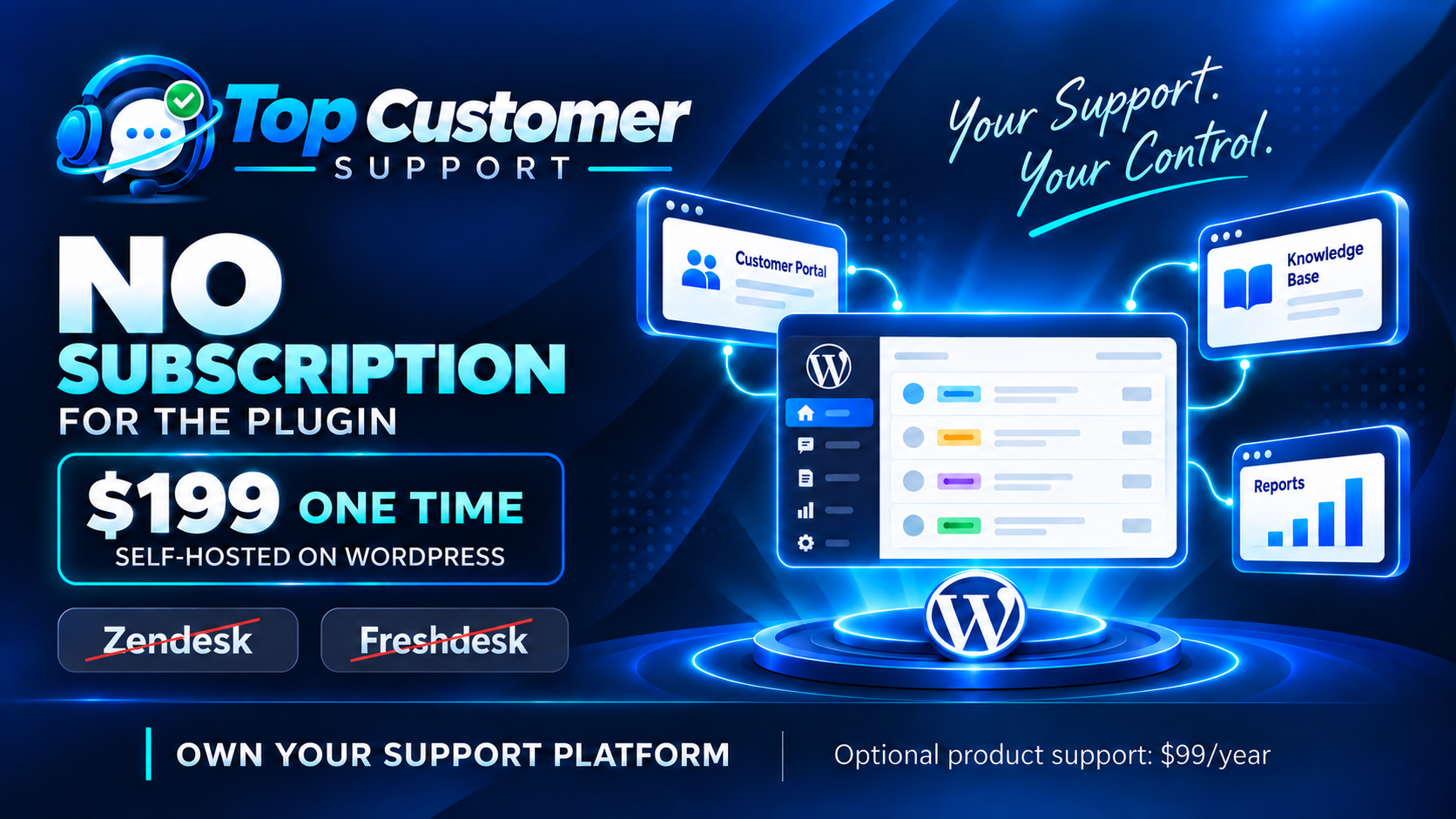
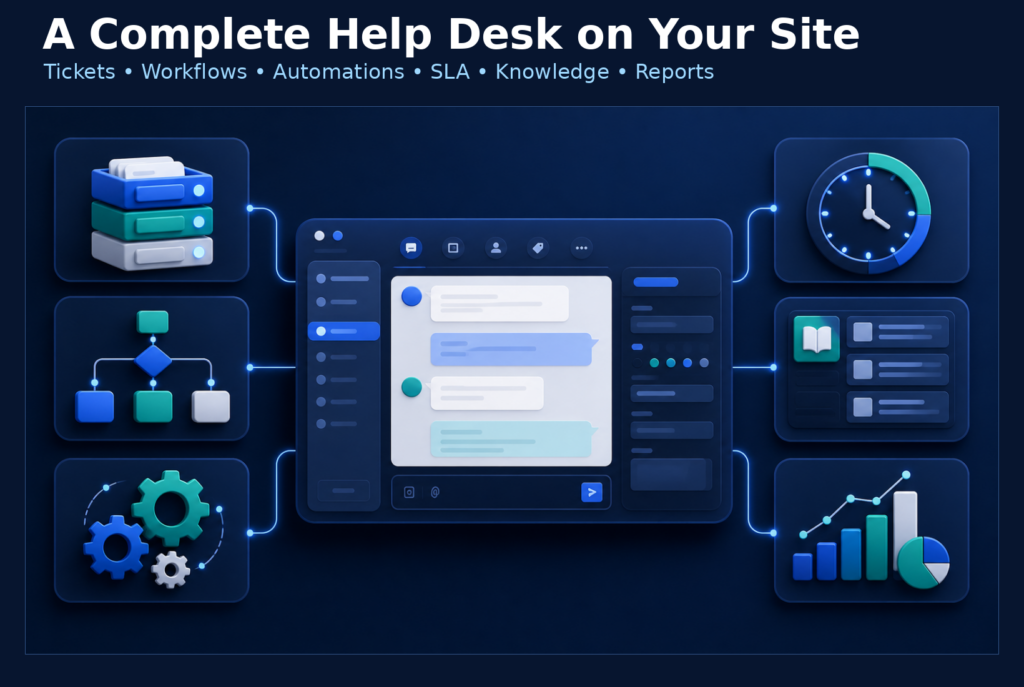
Top Customer Support turns WordPress into a complete, self-hosted customer support workspace. Customers get a branded support portal on your website, while authorized agents manage tickets, replies, private notes, workflow, files, knowledge, SLA, automation, satisfaction, and reports from the same installation.
Current release: 0.1.191.
Stop paying a required help-desk subscription
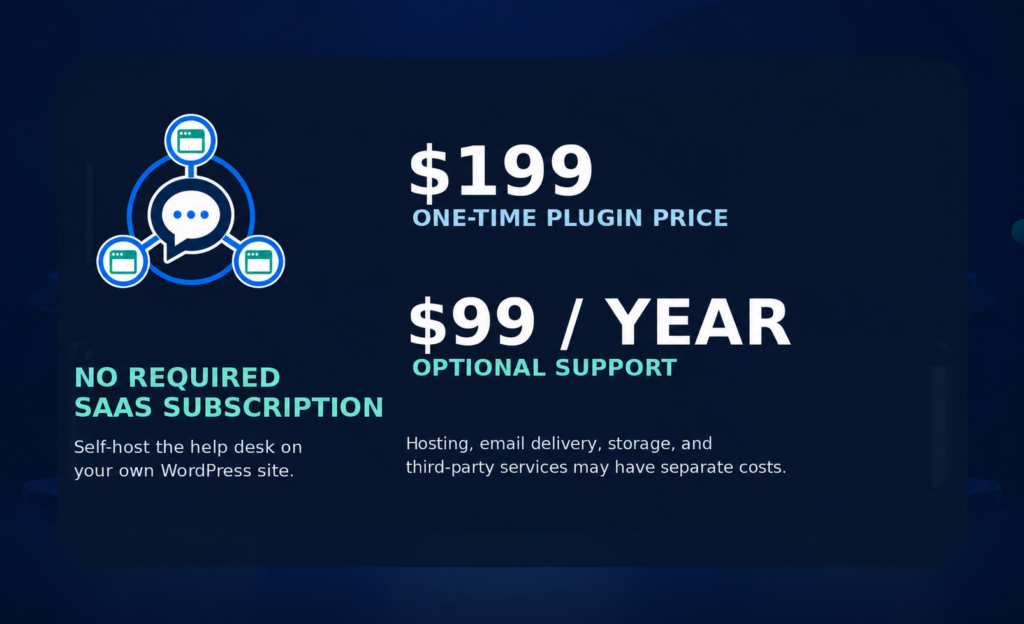
Unlike subscription help desks such as Zendesk and Freshdesk, Top Customer Support is $199 one time. There is no required recurring plugin subscription. Optional product support is available for $99 per year when you want continued assistance.
Two ways customers can access support
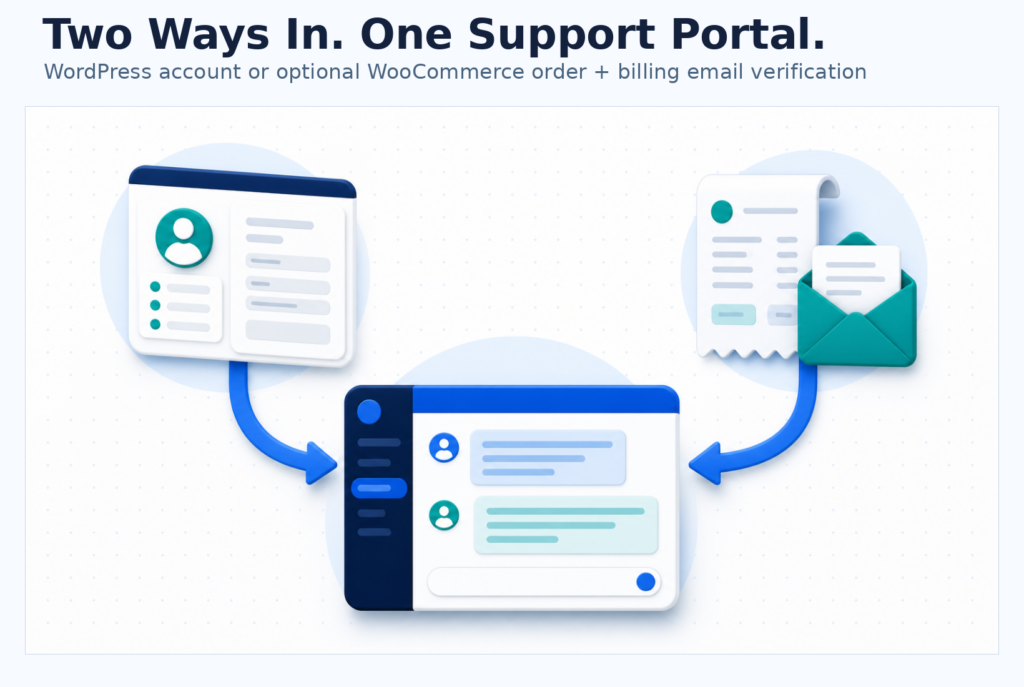
Signed-in WordPress customers can open tickets and return to their own authorized conversations through the site’s normal account system. If WooCommerce is active and guest-order access is enabled, a buyer can instead verify an order number and matching billing email to receive a temporary, order-scoped support session.
Signed-in WooCommerce customers can connect a ticket to an owned order, an ordered product, or current downloadable-product access. The plugin rechecks ownership while keeping billing, payment, order keys, download URLs, file keys, and customer email out of the saved support context.
A complete help desk on your WordPress site
Organize conversations with configurable request types, departments, topics, statuses, priorities, tags, custom fields, assignment rules, saved views, bulk actions, customer participants, internal followers, public replies, and private notes. Agents can work from wp-admin or the protected front-end workspace.
Use canned replies, ticket-aware macros, rich messages, pasted screenshots, protected attachments, agent-presence indicators, unread tracking, related tickets, controlled ticket merging, searchable customer history, and an authorization-scoped dashboard for day-to-day support.
Automate service without giving up control
Create ordered automation rules for new tickets, customer or agent replies, workflow changes, SLA events, and inactivity. Conditions can use routing, workflow, tags, subject, customer email domain, and product context; actions can route, assign, reprioritize, change status, add tags, send shared canned replies, or queue internal notices and escalations.
Local business-hour calendars and SLA policies track first response, next response, and resolution objectives. Optional CSAT requests, operational reports, audit history, knowledge analytics, and protected ticket archives help teams review results without routing the core help-desk workflow through a vendor service.
Public knowledge and branded ticket intake
Publish public or customer-only knowledge articles with categories, tags, local search, related content, feedback, and subject-based suggestions during ticket creation. Portal Branding controls the support name, welcome text, logo, accent, footer, and policy links while your active WordPress theme continues to frame the page.
Run one site—or add your own optional Hub
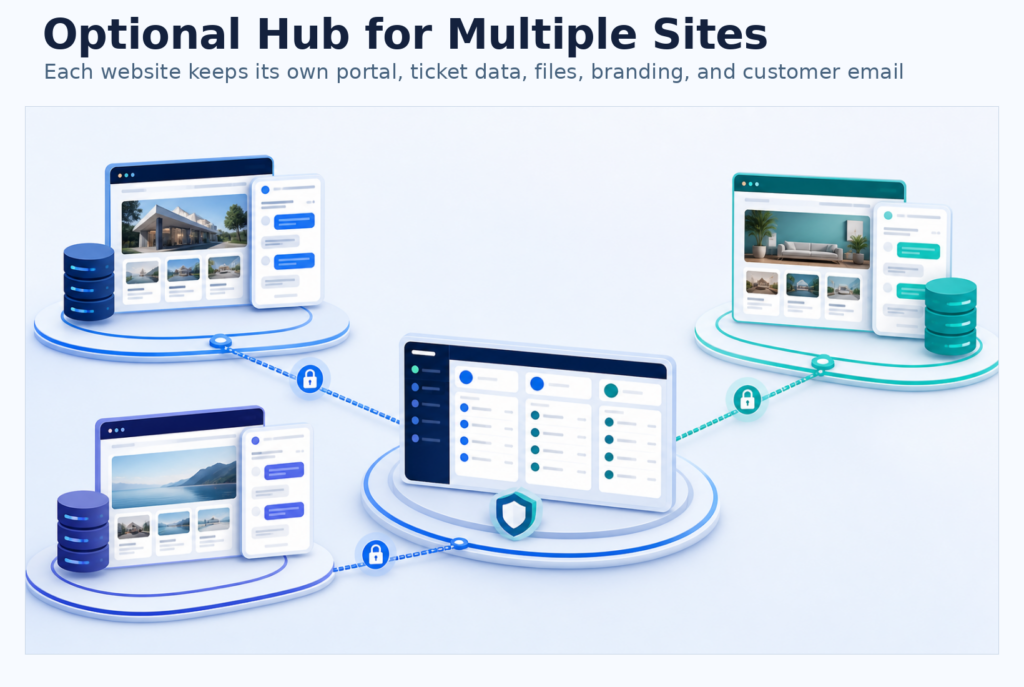
One installation is a complete standalone help desk. Organizations with several WordPress sites can later designate one completed installation as an optional, customer-controlled Hub and explicitly pair selected sites over public HTTPS. Each connected website keeps its own portal, customer authentication, authoritative ticket writes, files, branding, and customer mail.
Authorized Hub agents can review a unified inbox and work with permitted connected-site tickets. Hub access uses explicit site and optional routing grants; it is an operating role on a normal customer-owned installation, not a required vendor-hosted tier.
Choose your mail and file infrastructure
Send through WordPress mail or a directly configured SendGrid, Mailgun, or Postmark account. Store protected attachments outside the public web root or use a customer-configured private S3-compatible bucket. Optional ClamAV scanning can quarantine new files until a local scanner reports them clean.
Mail-provider accounts, storage services, hosting, TLS, and other third-party infrastructure are configured and billed separately. Provider acceptance is not a guarantee of inbox delivery, and optional malware scanning is not a guarantee that every unsafe file will be detected.
A self-hosted alternative to recurring SaaS help desks
If you are evaluating Zendesk, Freshdesk, Help Scout, Zoho Desk, Fluent Support, SupportCandy, or Awesome Support, Top Customer Support offers a different ownership model: familiar help-desk capabilities run inside WordPress, your organization controls the data plane, and no recurring vendor SaaS subscription is required.
Simple commercial terms
The plugin price is $199 one time. There is no recurring plugin subscription. Optional product support is $99 per year, and an existing buyer can purchase another year of support for the same $99 price.
Ideal for
- WordPress businesses that want support conversations on their own site.
- WooCommerce stores that need account-aware and optional guest-order support access.
- Agencies and multi-site operators evaluating a customer-controlled unified inbox.
- Support teams that need routing, automation, SLA, knowledge, reports, and protected files together.
- Privacy-conscious organizations that prefer explicit infrastructure and data-flow boundaries.
What you’ll need
- Requires WordPress 6.7 or newer and PHP 8.1 or newer.
- WooCommerce is optional; order context and guest order-plus-billing-email verification require it.
- A functioning WordPress or configured direct-provider email path is required for notifications.
- Public HTTPS with valid DNS, TLS, and time is required only for optional Hub pairing and synchronization.
- Local or S3-compatible storage, provider credentials, backups, privacy notices, retention choices, and recovery testing remain the site owner’s responsibility.