
 WordPress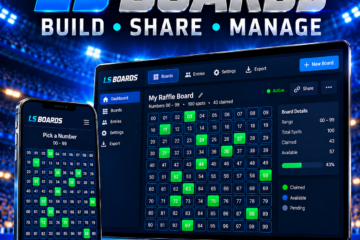

LS Boards gives WordPress site owners a focused toolkit for creating, publishing, and managing sports squares boards. Configure multiple boards, present participant-facing views with shortcodes, import entry data from CSV, connect square selection to WooCommerce order workflows, and keep progress, winner information, and notifications inside your site.
Create the board format your event needs
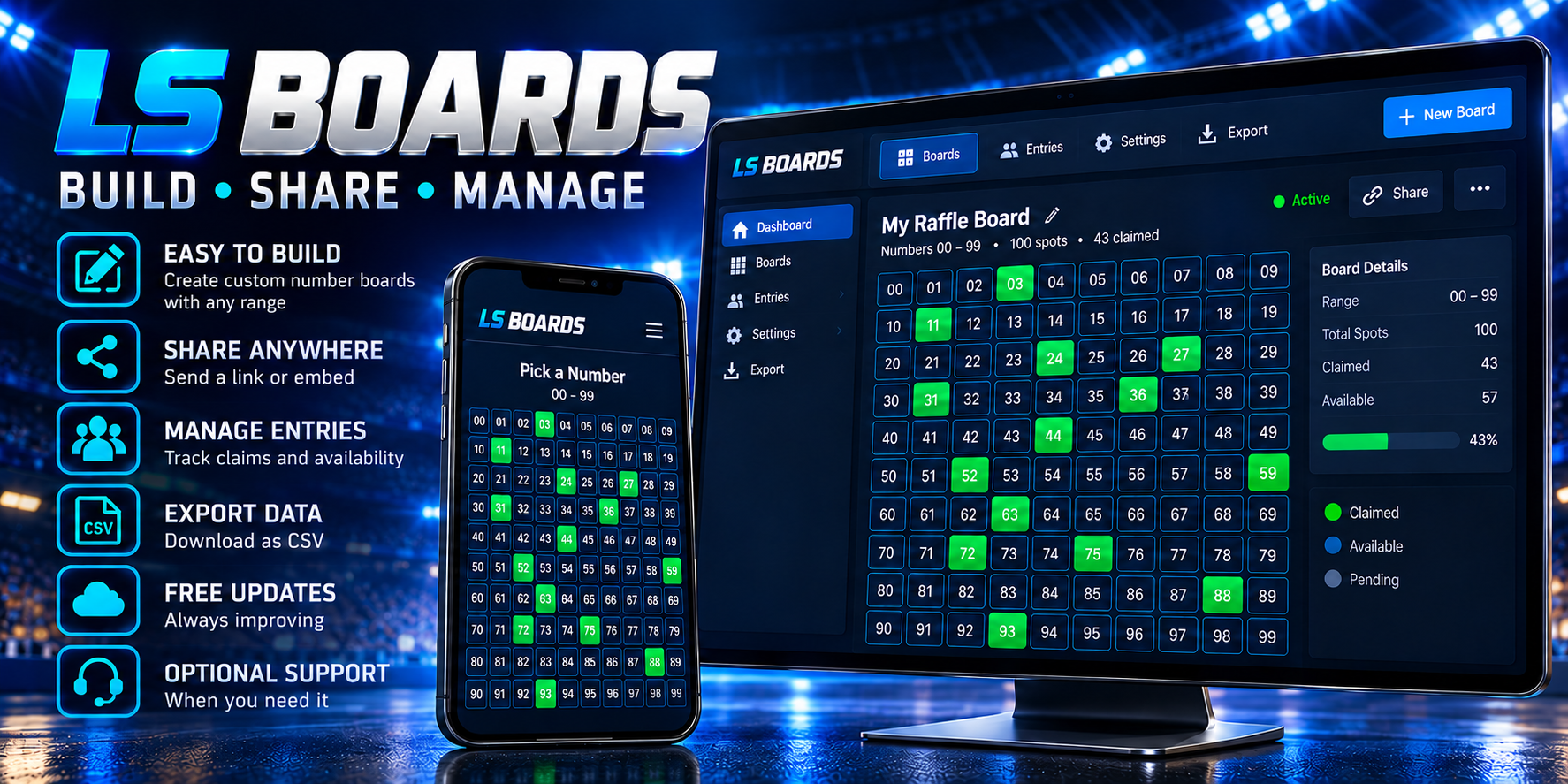
Create and manage multiple boards from WordPress. The packaged release includes dedicated layouts for 25-sports, 70, 100, 100-sports, 1,000, 4,900, 10,000, and custom-square boards. Each format has its own management view so you can choose the structure that fits the board you are running.
For a standard 100-square sports board, the grid uses the familiar two-digit range from 00 through 99.
Publish board tools with shortcodes
Place the main board, participant lookup, statistics, timer, progress, management, links, and WP Residence views into WordPress pages with the packaged shortcodes. This lets you build a public board page and add supporting views where your audience needs them.
Import participants and connect WooCommerce
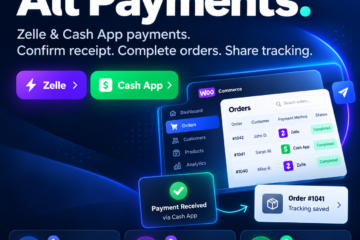
Use the included CSV templates and import workflow to bring board entries into the plugin. For commerce-driven boards, the packaged WooCommerce integration includes product and order hooks plus square-selection logic for linking board activity with an order workflow.
Track progress and communicate results
Use the packaged progress, winner, statistics, timer, and lookup components to keep participants informed. Configurable email templates and notification handlers provide the foundation for board-related messages from WordPress.
Simple commercial terms
LS Boards is $69. Future product updates are included free. Optional product support is $99 per year, and buyers can renew another year of support at the same $99 price.
What you’ll need
- A WordPress site is required.
- WooCommerce is required only for the WooCommerce order-linked workflow.
- The release includes PHP, JavaScript, CSS, SCSS, JSON, CSV templates, and image assets.
- Your hosting must allow the plugin to create and update its board-data folder inside wp-content. WooCommerce and email delivery are needed only for the related order and notification workflows.
- The included 26.08.30.3 release requires no activation key or external licensing service.