 WordPress


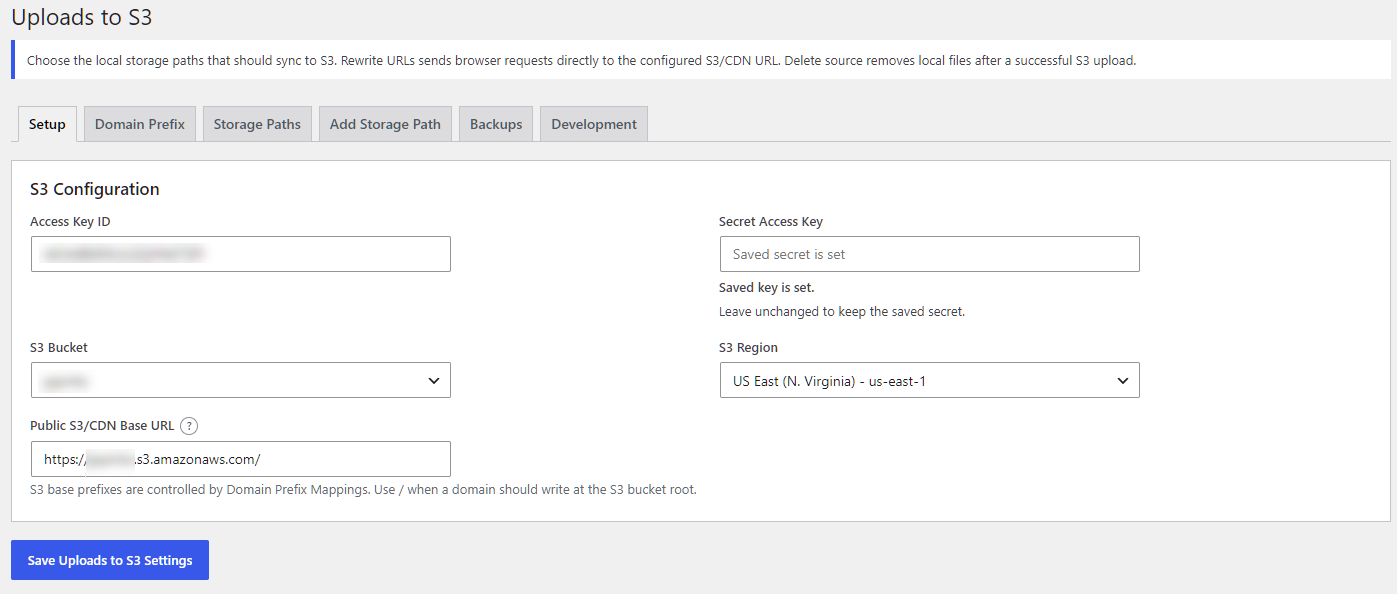
Uploads to S3 gives WordPress administrators direct control over moving configured media and storage paths away from the web server and into Amazon S3. It can upload new Media Library assets automatically, synchronize existing files, and rewrite public media URLs to a configured S3 or CDN address.
Current release: 0.2.35. Release date: October 11, 2026.
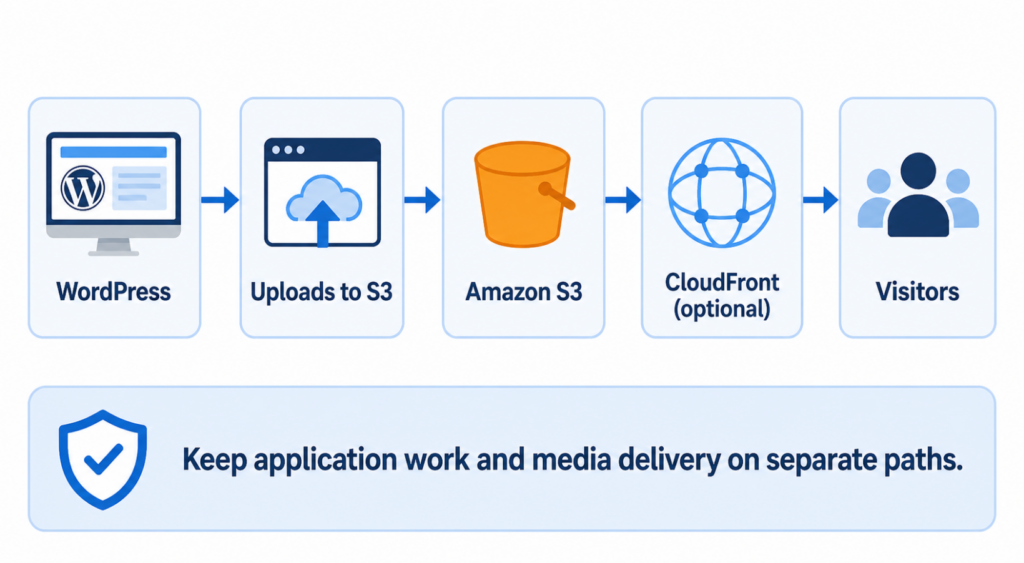
Separating media storage from the WordPress application creates a cleaner architecture. Your web server can concentrate on PHP, HTML, CSS, JavaScript, API responses, database-driven pages, and application logic while S3 handles configured media objects. When local-source deletion is enabled after a verified upload, the plugin can also reduce disk usage on the WordPress host. For image-heavy or high-traffic sites, this separation can reduce static-media workload and make the media layer easier to scale.
CloudFront-ready media delivery
Set the plugin’s public base URL to an Amazon CloudFront distribution domain to deliver synchronized public media through CloudFront. S3 provides object storage, while CloudFront can cache those objects at AWS edge locations so visitors may retrieve cached media from infrastructure closer to them. The plugin rewrites eligible URLs to the configured CDN address; creating and configuring the CloudFront distribution remains an AWS administration task.
Built for controlled migrations
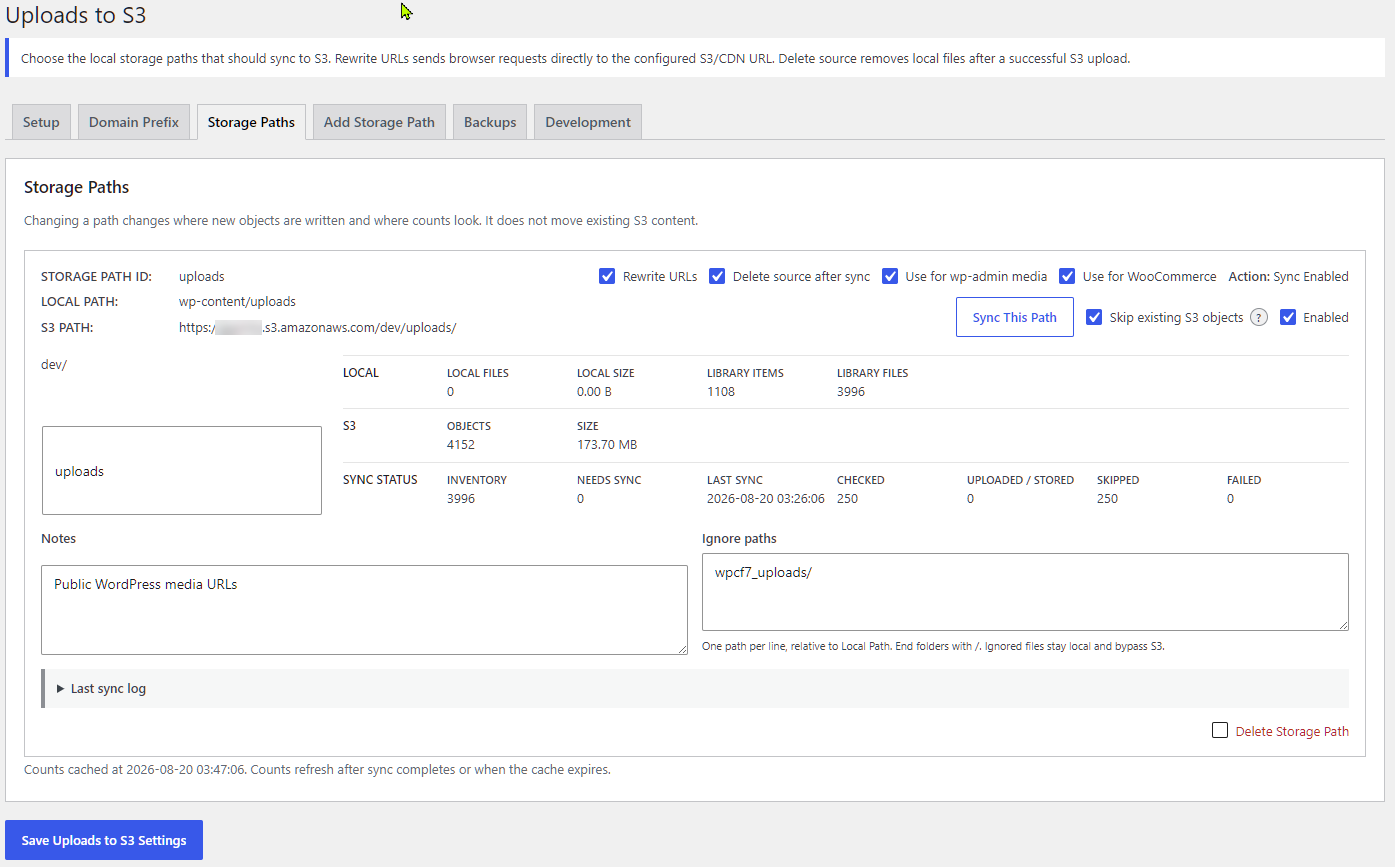
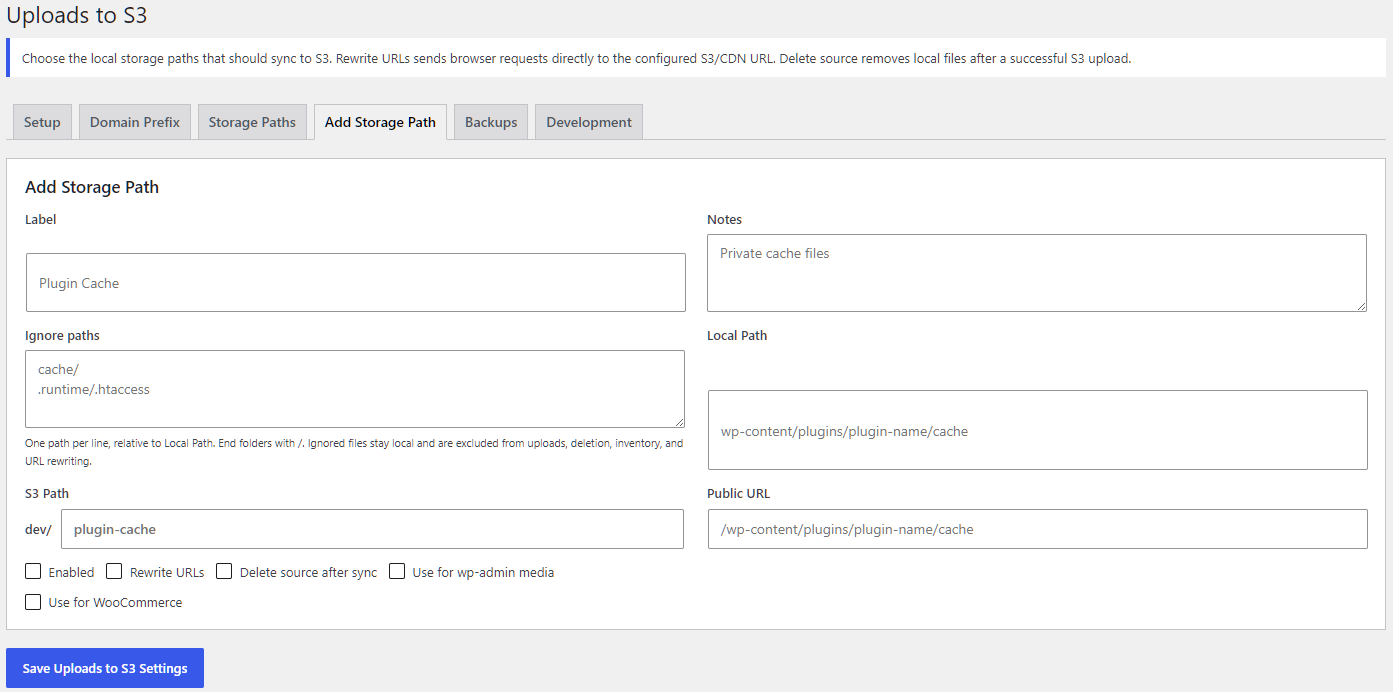
Uploads to S3 supports manual per-path synchronization, hourly synchronization for enabled paths, skip-existing checks, file and folder ignore rules, detailed sync results, and optional deletion of a local source only after the S3 object is successfully stored or positively verified. Media Library metadata and generated image sizes are included in the upload workflow. Existing database attachment records can adopt matching objects that are already present in S3 when local files are unavailable.
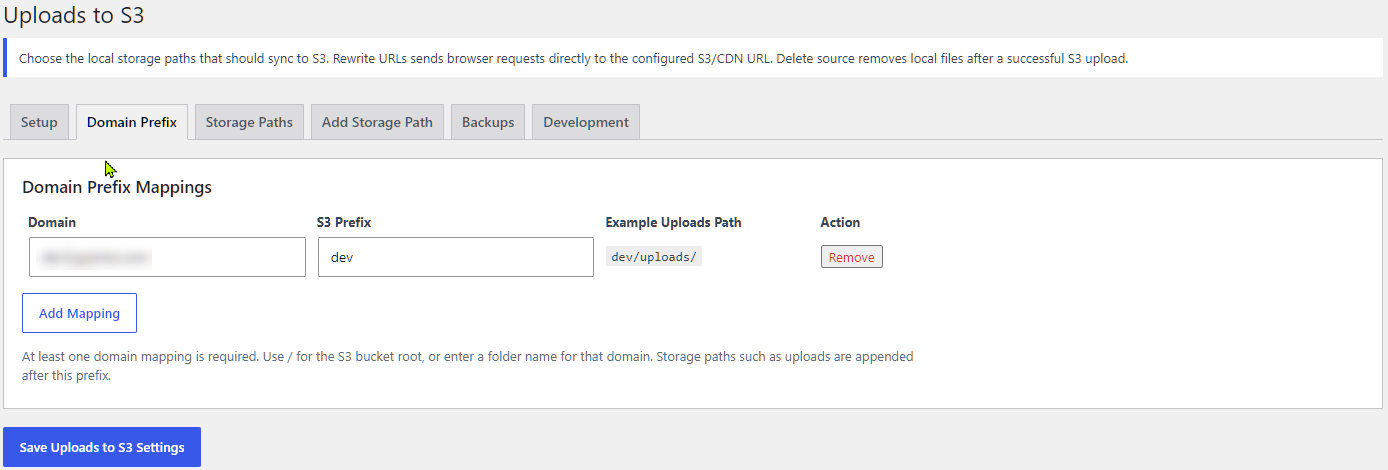
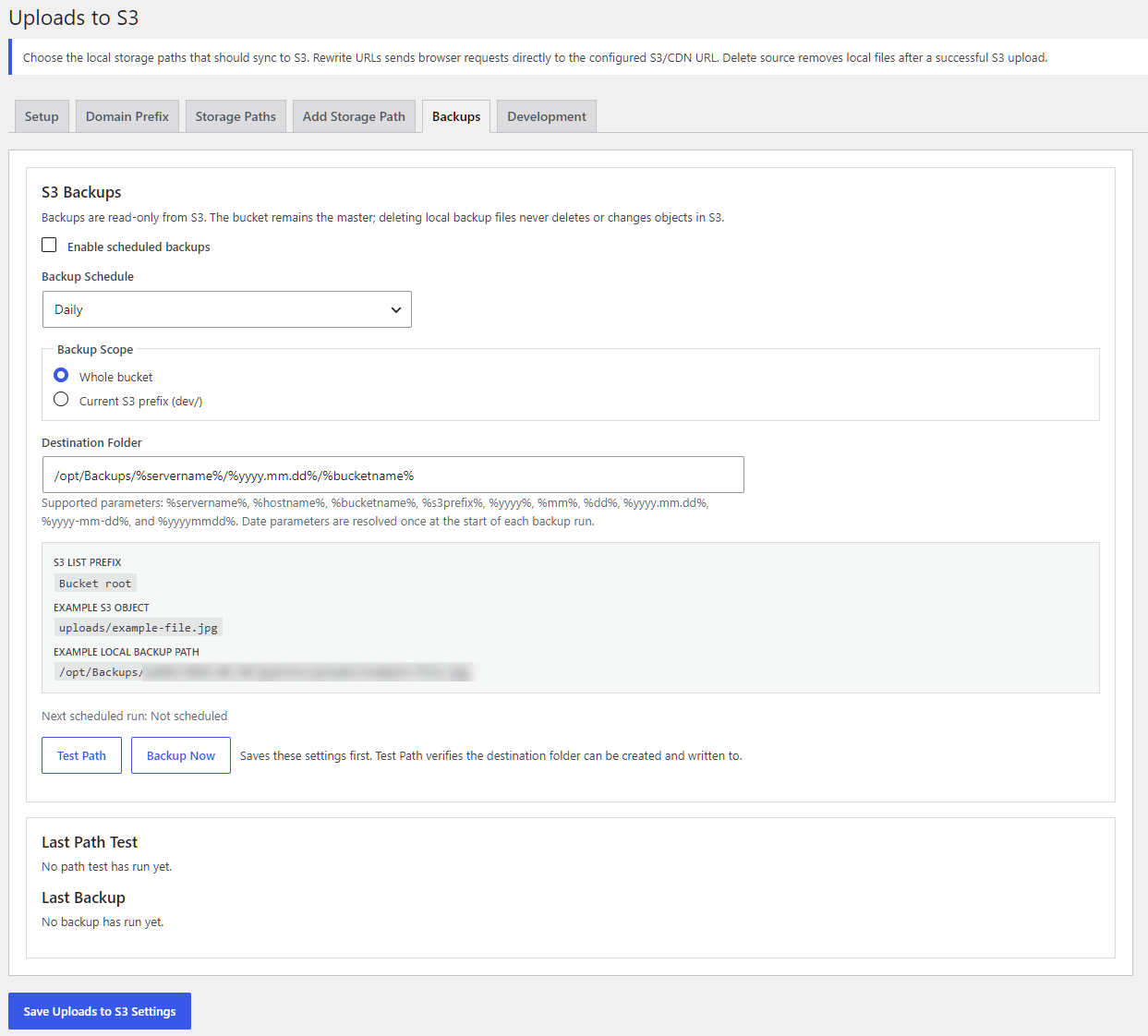
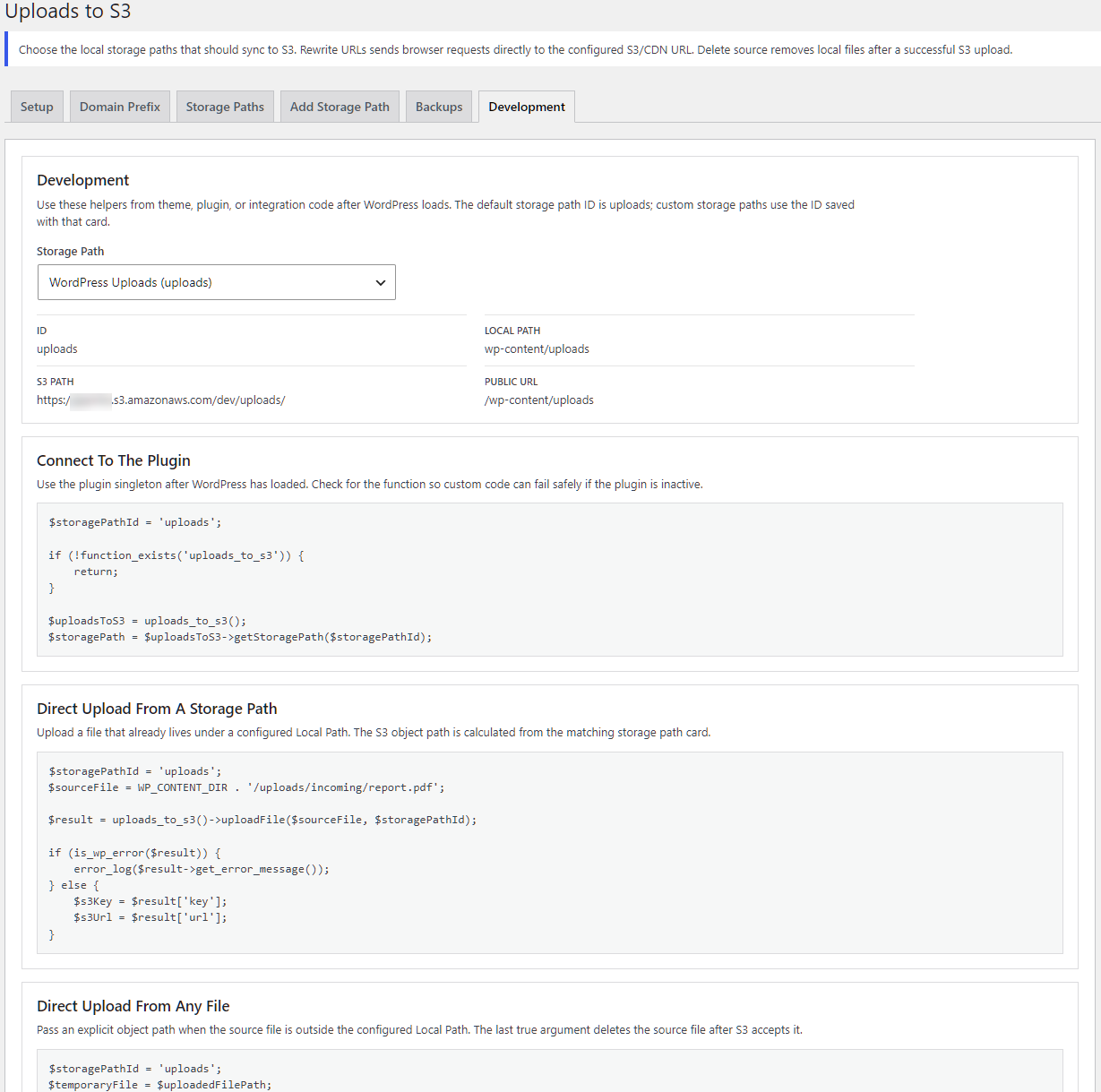
Administrators can define multiple storage paths, isolate environments with domain-to-prefix mappings, configure credentials through WordPress settings or constants, and use public PHP helpers for custom integrations. A read-only S3-to-local backup scheduler is also included for administrators who want S3 to remain the master while maintaining local backup copies.
No recurring plugin subscription
Uploads to S3 does not require an ongoing SaaS subscription for the plugin itself. Your Amazon Web Services account is separate: S3 storage, CloudFront delivery, bandwidth, requests, and any other AWS services can generate AWS usage charges.
Who benefits
- Image-heavy WordPress sites: move large media libraries away from limited web-server disks.
- WooCommerce stores: deliver configured public product media separately from the server processing WordPress, WooCommerce, PHP, and database requests.
- High-traffic sites: combine S3 storage with an optional CloudFront distribution for a more scalable media-delivery path.
- Small VPS and cloud instances: reduce local media storage and static-file work when source deletion and URL rewriting are enabled.
- Multi-site hosting environments: use domain-prefix mappings to keep site objects separated when installations share a bucket.
- Developers: integrate custom storage paths, direct uploads, public object URLs, CORS configuration, and private object streaming through documented PHP helpers.
Requirements and important notes
- WordPress 6.0 or newer and PHP 7.4 or newer.
- An Amazon S3 bucket and AWS credentials with the permissions required for the operations you enable.
- Documented permissions include PutObject, GetObject, HeadObject, CopyObject, DeleteObject, ListBucket, and PutBucketCORS.
- CloudFront is optional and must be configured in AWS before its distribution domain is used as the public base URL.
- Test a small path and verify public URLs before enabling source deletion broadly.